

How the Auckland Amphibian Race Predictor Works
SwimRun events aren’t about a single pace — they’re about constant change. Short swims, rolling coastal runs, shoes on, paddles out, fatigue creeping in. That’s exactly why a standard “average speed” calculator doesn’t cut it.
This Auckland Amphibian Time Predictor uses the actual course layout, leg by leg, to give you a far more realistic estimate of your day out on the coast.
The distances used in this calculator are the confirmed course distances, updated to reflect the current Auckland Council requirements and recent course adjustments. These are the distances that will be used on race day.

By selecting your course (Short, Mid, Long or Super Long) and entering your typical swim and run paces, the calculator:
- Breaks the course into real swim and run segments
- Factors in multiple transitions between legs
- Accounts for equipment choices like paddles
- Builds an estimated arrival timeline at key checkpoints
- Provides a Fast / Mid / Slow finish window so you can plan pacing, nutrition and cut-offs
It’s not about chasing a perfect number — it’s about understanding where the time goes, how the course flows, and what a realistic finish might look like for you.
Use it to choose the right course, pace your race, and arrive at the start line informed… not surprised.
Note: These are the current Confirm Distances due to course changes from council.
Important: When entering your paces, use the speeds you actually hold in open water and on mixed terrain — not your best-ever pool or road times.
- For swimming, enter your average ocean swim pace.
If you know your pace with shoes on, use that. - For running, use a pace you’ve comfortably held in a SwimRun or trail run, not a flat-road PB.
This calculator works best when you’re honest with it. Realistic inputs = realistic predictions.
Auckland Amphibian – SwimRun Time Calculator
Pick a course, set your paces (or use presets), and get estimated checkpoint arrival times + finish window.
Course Summary
Checkpoint Timeline (your paces)
| Checkpoint | Leg | Distance | Arrival Time | Elapsed |
|---|
Transition time is added each time a named checkpoint appears in the course list (Takapuna / Castor Bay / etc.).
GPS Watches Route Files Downloads
Downloading the GPX file and loading it onto your GPS watch is one of the easiest ways to remove uncertainty on race day. Instead of constantly second-guessing where the next turn, beach exit, or headland sits, you can see the course unfolding in front of you in real time. That mental clarity matters — especially late in the race when fatigue makes even simple decisions feel harder than they should.
One of the biggest advantages is course alerts. Most GPS watches will notify you if you drift off the planned route, which is invaluable along long coastal runs, beach sections, or swim exits where lines aren’t always obvious. A quick buzz on the wrist can save you from adding unnecessary distance, backtracking, or losing time looking for the correct path.
Using the GPX also helps with pacing. Seeing your progress along the course — not just total distance — makes it easier to manage effort through longer legs and mentally break the race into manageable chunks. Instead of thinking “I’ve still got ages to go,” you know exactly where you are relative to key checkpoints and turnarounds.
Finally, there’s the confidence factor. When you know the route is locked into your watch, you can focus on moving efficiently rather than navigating. Less stress, fewer mistakes, and more energy saved for when it really counts — which, in a SwimRun, is usually right when the watch starts buzzing to tell you you’re almost there.
Download the GPX Course File
Want the course on your wrist, not just in your head? You can download the GPX file for your chosen Auckland Amphibian course and load it directly onto your GPS watch.
A GPX file shows the exact route, including swim exits, run sections, turn points and key checkpoints — perfect for race prep, pacing practice, or just knowing what’s coming next.
Uploading the GPX to Your GPS Watch
Once downloaded, you can upload the GPX file to most modern GPS watches, including Garmin devices.
Typical process (Garmin example):
- Download the GPX file to your computer or phone
- Open Garmin Connect (app or desktop)
- Go to Training → Courses
- Upload the GPX file
- Sync your watch
On race day (or during training), select the course on your watch and you’ll see:
- The route map
- Distance remaining
- Progress along the course
- Alerts if you drift off course (handy when fatigue sets in)
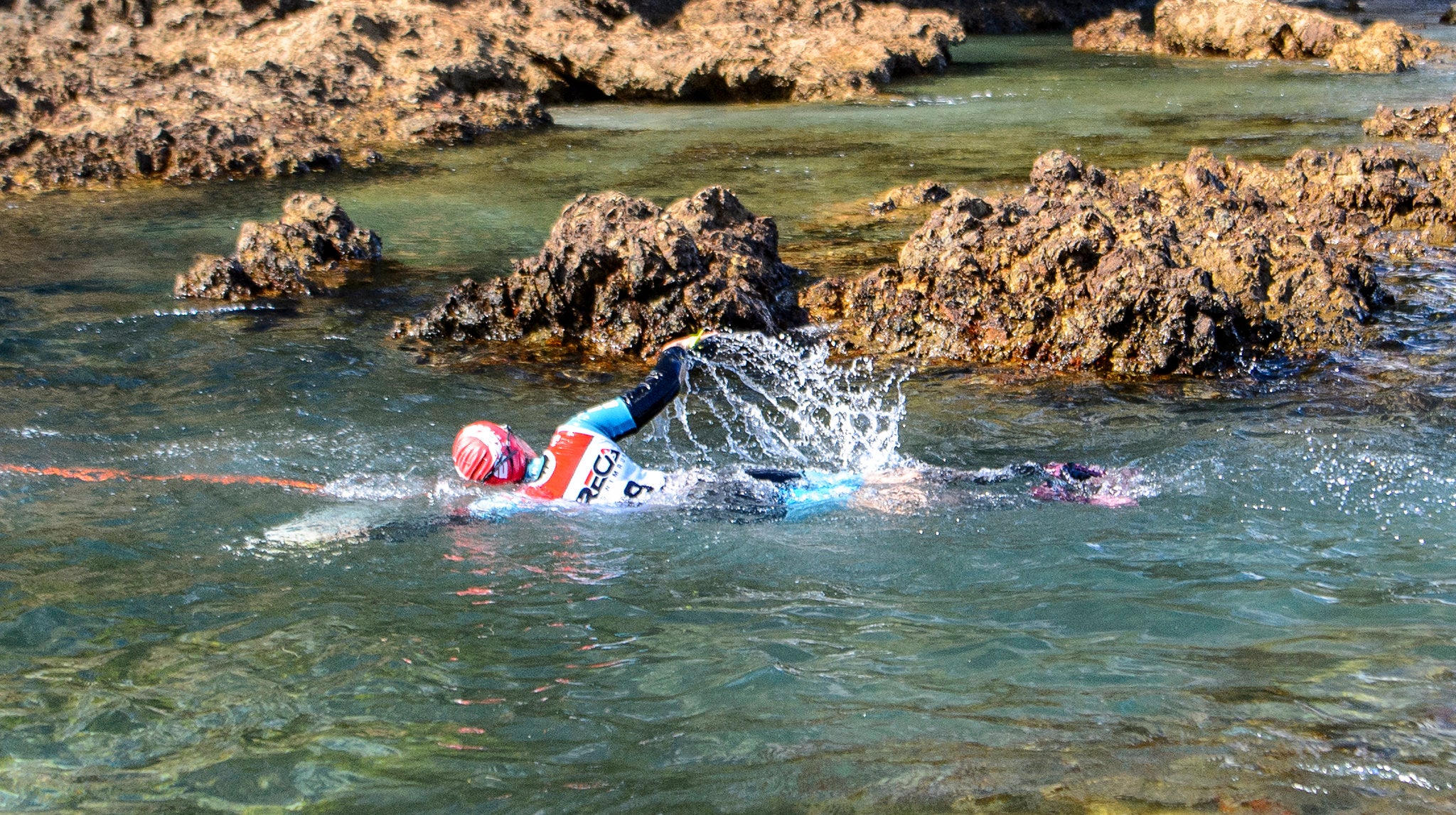

Bay of Islands 2027
The worlds most epic race
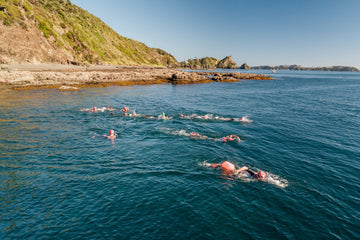
Amphibian Bay of Islands – SwimRun Paradise Awaits
Welcome to the newest chapter of the Amphibian SwimRun series — now doubling as the official NZ SwimRun Championships.
This is your chance to take on an unforgettable journey through the jewel of Northland: the Bay of Islands.
Set against one of New Zealand’s most breathtaking backdrops, this event is a wild fusion of ocean swims, island trails, native bush, and coastal adventure. Swim from beach to beach. Run through headlands, farmland, and hidden coves. Feel the pulse of Aotearoa’s untamed north as you race across sea and land.
Inspired by the legacy of Breca Bay of Islands, this event takes everything athletes loved — island-hopping swims, technical terrain, and community spirit — and adds the signature Amphibian flair: better gear, more support, and serious rewards.
Whether you're tackling the Short, Mid, or the epic Long course, you’ll experience:
This is not just a race — it’s a true adventure. You and your teammate will work together, side-by-side, navigating nature at its finest. You’ll be tested physically and mentally — but you’ll finish stronger, saltier, and prouder than ever before.
NZ SWIM RUN CHAMPIONSHIPS 2026 - BAY OF ISLANDS
days
days
hours
hrs
minutes
mins
seconds
secs


